- id = " " / 폼 아이디 (주로 frontend에서 접근 시 사용)
- name = " " / 폼 이름 (주로 frontend에서 접근 시 사용)
- action = " " / 사용자가 입력요청한 정보를 서버측에서 받는 페이지명 또는 명령어 (backend랑 연결되는 속성들)
- method = " " / 전송방식 get 또는 post (backend랑 연결되는 속성들)
- enctype = " " / backend랑 연결되는 속성들
<form id="loginform" name="loginform" action="ok.jsp">
    아이디: <input type="text" name="userid"> <hr>
    비밀번호: <input type="password" name="userpw"> <hr>
    <input type="submit" value="전송">
</form>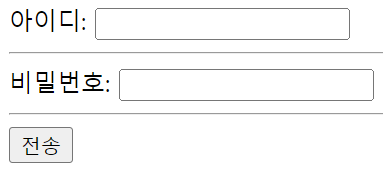
-> <form id = " " name = " " action = " ">
= 아이디 / 비밀번호와 같은 정보를 action = " "에 주겠다.
파일을 첨부하여 전송
<!-- 파일첨부해서 전송 -->
<form enctype="multipart/form-data">
    첨부파일: <input type="file">
</form>

<!-- 전송방식 get 또는 post -->
<form method="get"></form>
- <form enctype = " "> </form>
= 폼 데이터(form data)가 서버로 제출될 때 해당 데이터가 인코딩되는 방법을 명시함
- multipart / form-data
= 모든 문자를 인코딩하지 않음을 명시함
-> 이 방식은 <form> 요소가 파일이나 이미지를 서버로 전송할 때 주로 사용
2. type = image
<form action="ok2.jsp">
    <img src="../images/b_apeach.png" alt="어피치">
    <hr>
    <input type="image" src="../images/apeach.png"><br><br>

    검색 : <input type="text" name="search">
    <input type="image" src="../images/search.png">
</form>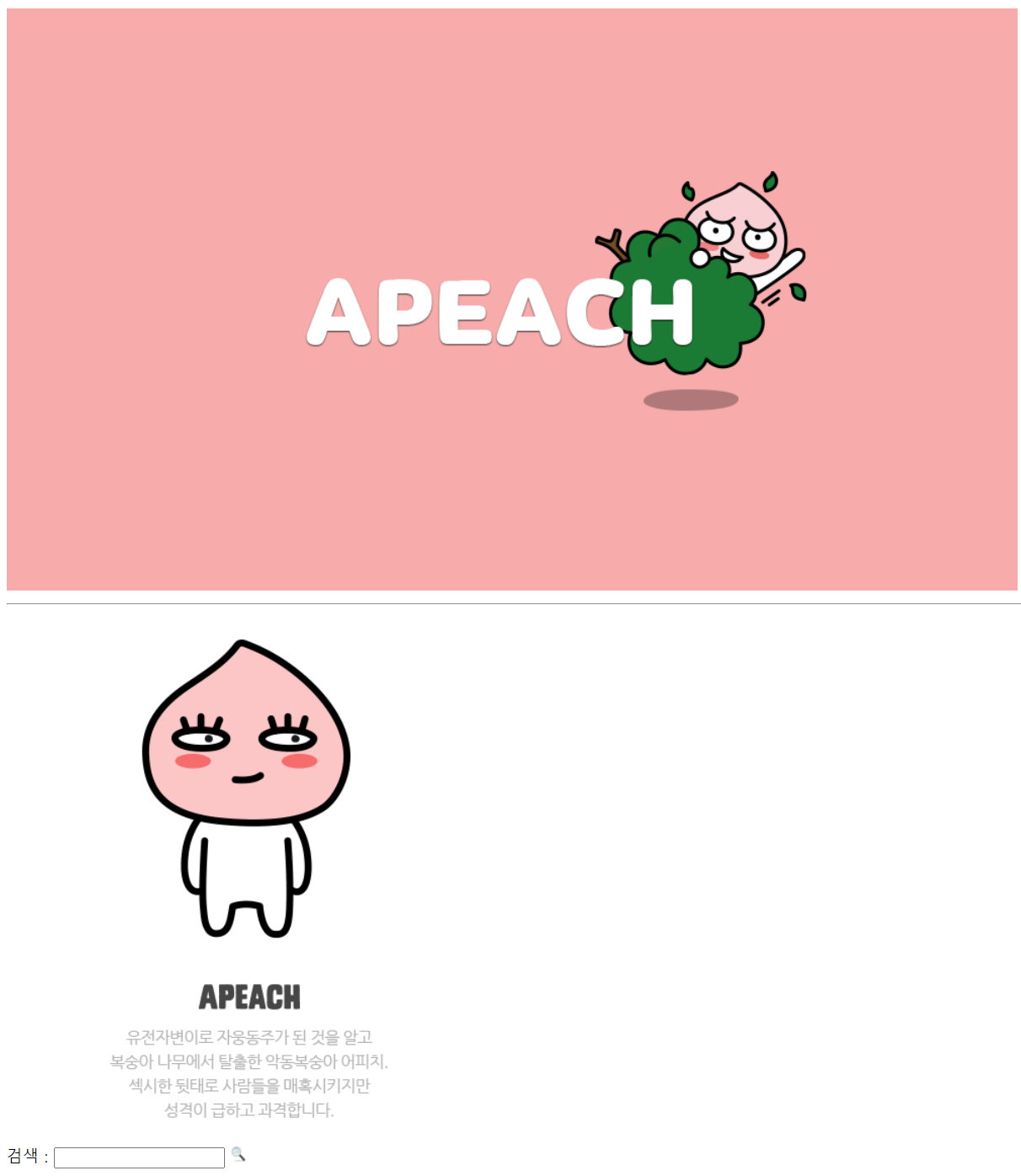
-> <img src = " "> + type + submit 기능
= <input type = " " src = "경로명 + 파일명">
3. 다양한 input types
HTML 페이지에서 노출되지 않지만 form에 포함된 컨트롤 요소
<input type="hidden" id="page" name="page" value="3">
<input type="hidden" id="col" name="col" value="title"><input type="number" id="quantity" name="quantity" min="1" max="5">
<input type="range" id="vol" name="vol" min="0" max="50">
<input type="color">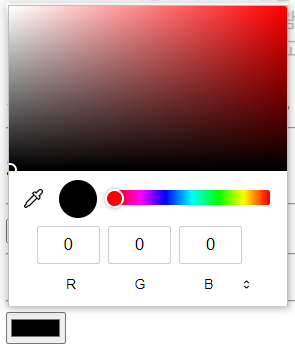
<input type="date">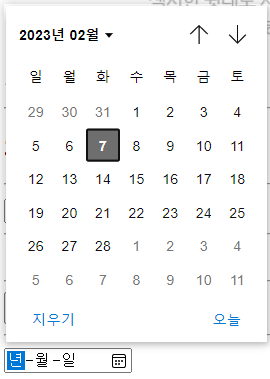
<input type="time">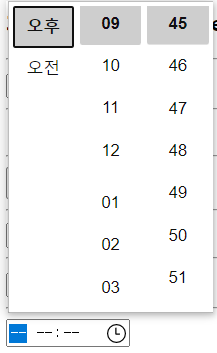
4. label
<label for="user">이름 : </label>
<input type="text" name="user">
-> label 코드는 <이름: > 부분을 클릭해서 커서가 생기게 한다.
'HTML' 카테고리의 다른 글
| [HTML] 레이아웃 (0) | 2024.05.31 |
|---|---|
| [HTML] 블럭요소 (0) | 2024.05.31 |
| [HTML] 회원가입 (0) | 2024.05.29 |
| [HTML] 로그인 (0) | 2024.05.29 |
| [HTML] form (0) | 2024.05.29 |